Track Meals With Voice Controls
Last updated
Hands full, kids at the table, pan still hot: that's when tapping through a log is the last thing you want to do. Use voice controls to track what your household cooks and eats. Say what happened in a plain sentence and Tuna works out the foods, the amounts and who it was for, using what's actually in your pantry.
Things you can say
The voice sheet shows three examples to get you started:
- "The kids each had a cheese stick." Logs a meal for anyone in the household.
- "I made the chicken bowls for four." Cooks the recipe and takes the ingredients out of the pantry.
- "The rest of the spinach went bad." Records it as waste, so it stops counting as on hand.
You don't need special phrasing. "We split the leftover chili for lunch" works. So does "I used the last of the milk in pancakes."
Talk to Tuna
- Open the Meals tab.
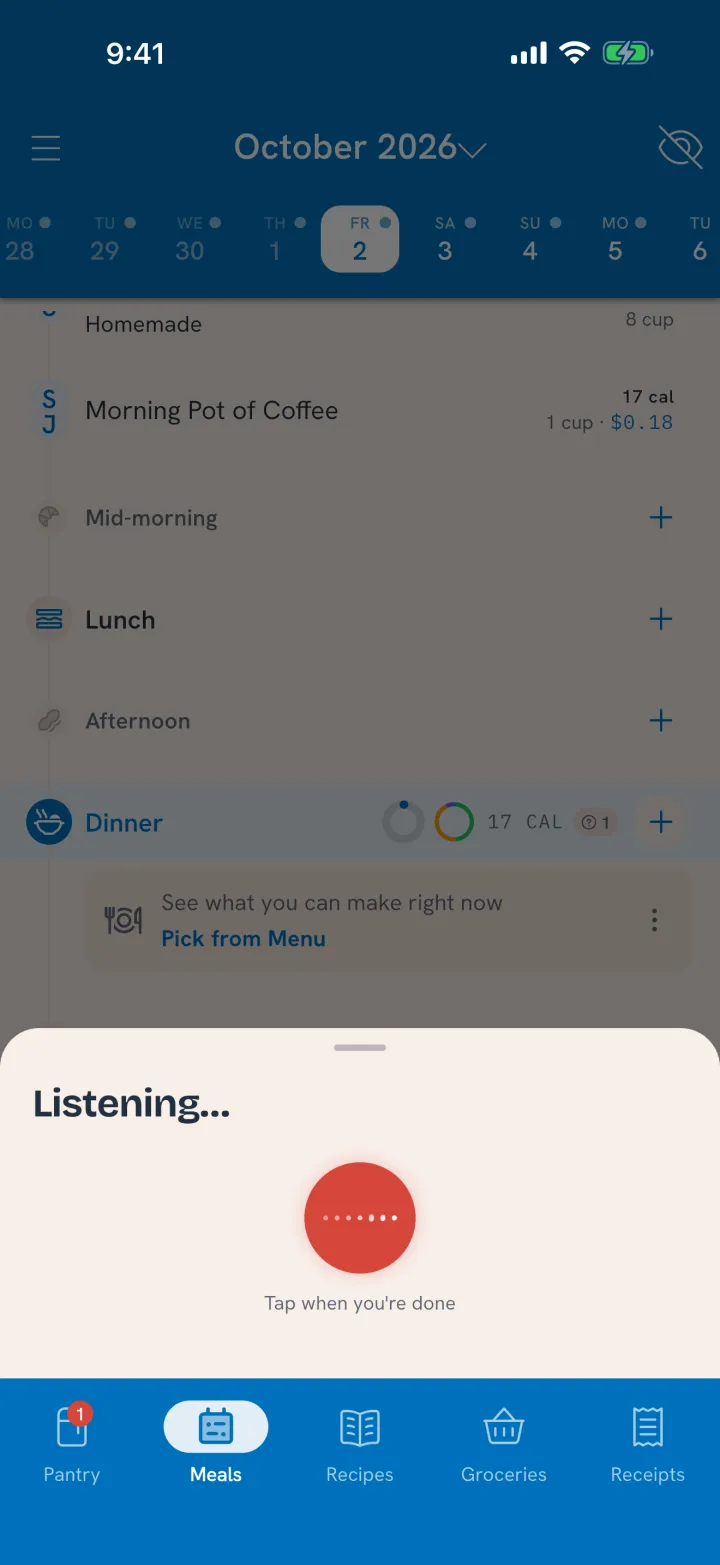
- Tap Talk to Tuna at the bottom of the screen. The microphone opens right away.
- Say what happened.
- Tap when you're done. Tuna reads back what it understood.
- Tap again to say something else, or close the sheet.
You confirm what you ate
Meals and cooks you log by voice land in Tuna as plans, waiting for you to confirm them, the same way a meal you planned ahead does. The voice sheet says so: Waiting in Tuna for you to confirm. Open the day on the Meals tab and confirm them when it suits you. Nothing counts toward anyone's day until you do.
Waste you report ("the spinach went bad") is recorded right away, the same as marking it All gone in the pantry.
Related
- The same idea from your computer: Connect Tuna to Your AI Chat App.
- What happens when you cook: Cook It.