How It Works
Last updated
Tuna works as a loop. Each step makes the next one easier, and the first step is the only one you have to take on purpose.
1. Load your pantry
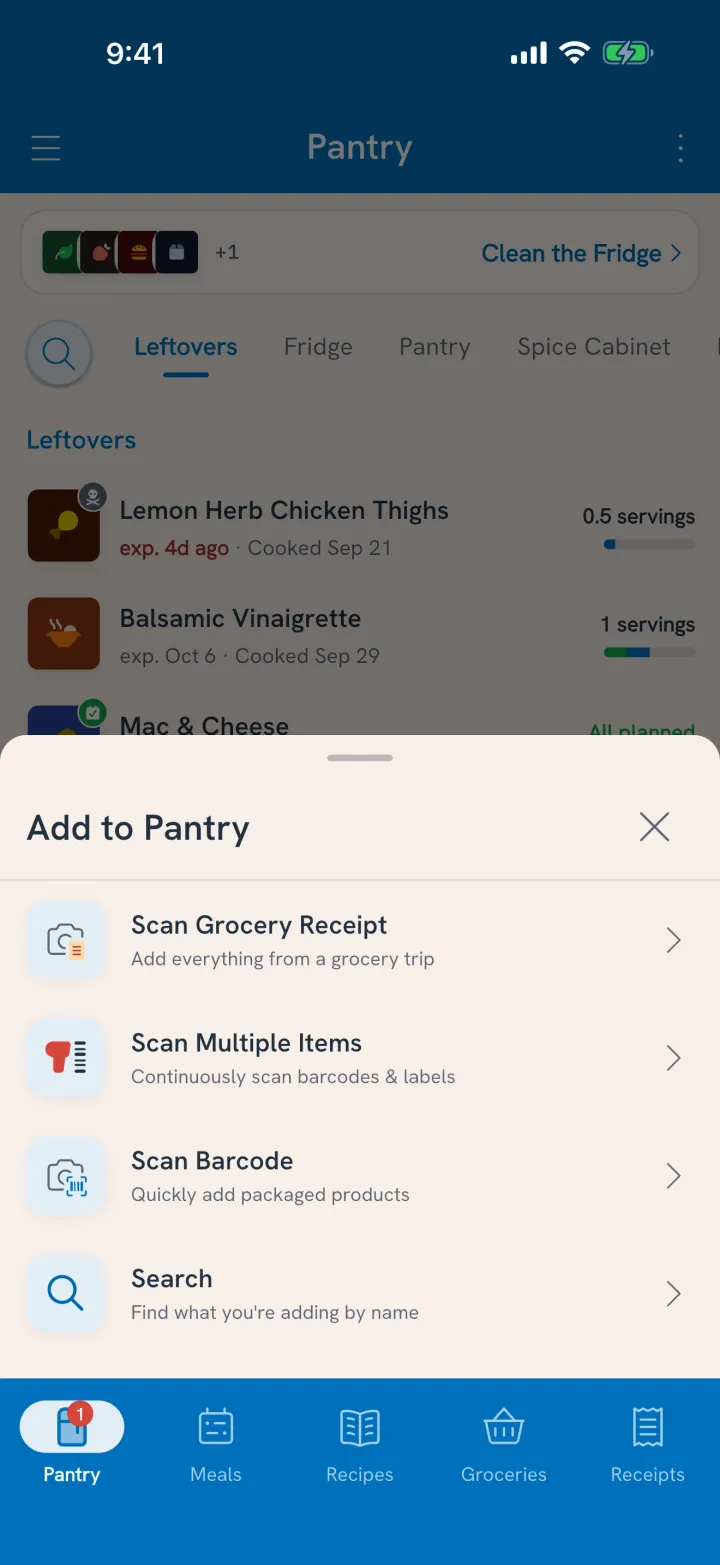
Start with what you already bought. Open Scan Multiple Items and work along the shelves: scan barcodes, and search from our database of over a million foods or say what you have for anything without one. Each item comes in with how much you have, what it cost, and when it expires.
After that, new groceries come in from the receipt. Snap it when you get home and Tuna adds the whole shop.
2. Tuna tracks the dates
Every item carries an expiration date, suggested from how long that food usually lasts and where you keep it. Fridge, freezer and pantry each set their own clock, and moving something to the freezer re-dates it. You can fix any date that's off.
3. Get alerted in time
At 7 AM on mornings when something is expiring or just past its date, Tuna sends one alert: Food needs eating. It counts what's expiring within three days either side of today, so you hear about the yogurt while it's still breakfast.
Tap the alert and Clean the Fridge opens on exactly those items.
4. Use it up
For each item that needs eating, pick what happens:
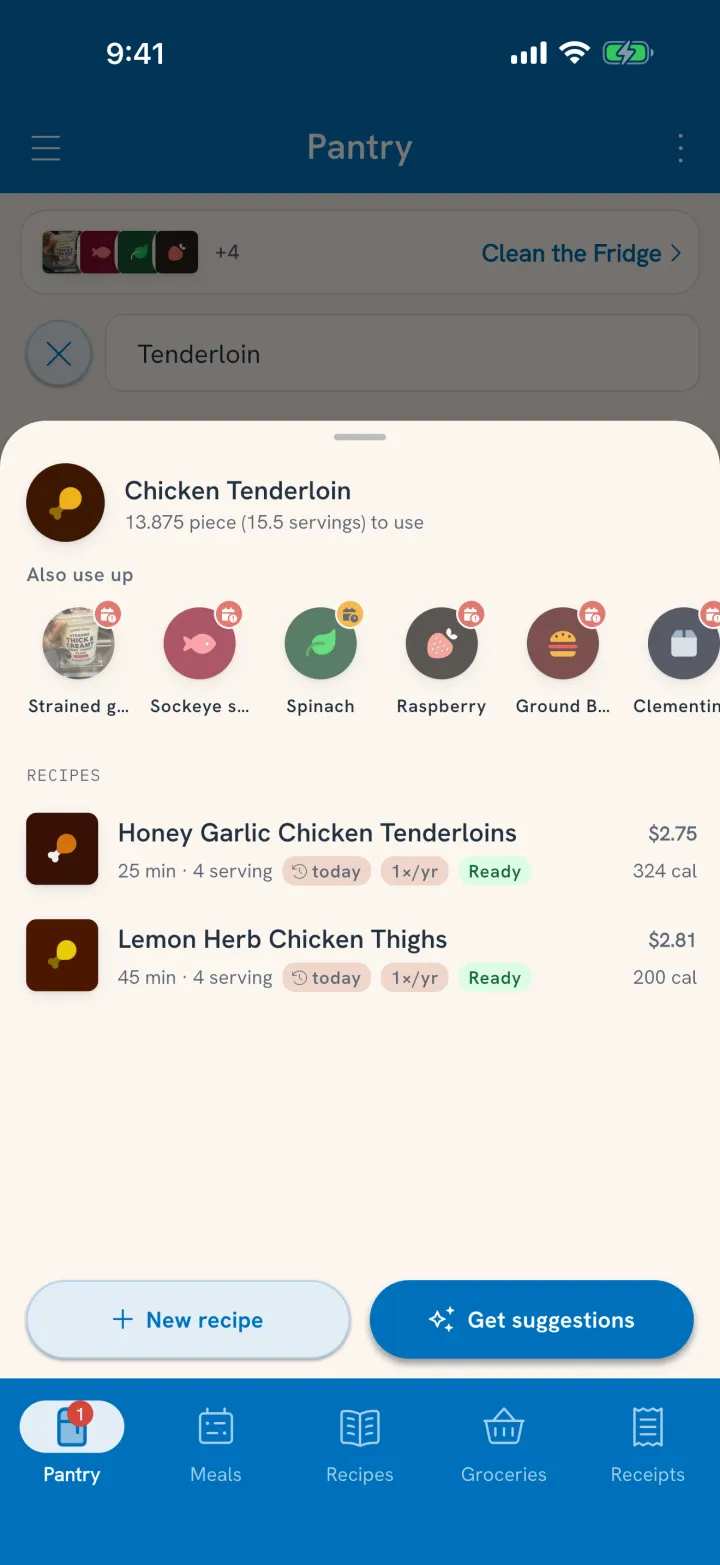
- Plan it for a meal, or to cook into something. Tuna shows the meals you've made and the recipes you've saved that use it.
- Move it to the freezer, where it gets the freezer's longer date.
- Mark it All gone and say whether it was eaten, tossed, or a bit of both.
5. Cook what you love
Tap Cook on a recipe and each ingredient comes out of the pantry. Leftovers go back in with their own date, so they get the same alert as everything else.
Why it connects
Every step reads from the same pantry, which is why the loop holds together:
- You stop buying duplicates, because everyone sees what's on hand.
- You stop losing food in the back of the fridge, because the alert finds it first.
- The recipes you already love become the way you use things up.
- Your waste numbers mean something, because All gone asks where food really went.
- Amounts are counts, not guesses, because every one comes from something that happened: a scan or receipt you confirmed, a cook, or an All gone.
Start where you are
You don't need to plan anything on day one. Load what you have, turn on alerts, and let the first morning alert show you what needs eating. Start with setting up your pantry.