Sync With Your Health App
Last updated
Tuna can sync with Apple Health on iOS and Health Connect on Android, in both directions: the meals you log flow out to your health app, and the workouts you record flow back in. Both directions are opt-in and off until you say otherwise.
Meals flow out
Once you turn syncing on, every confirmed meal's nutrition is written to your health app: calories, protein, carbs, fat, and the rest. If other apps in your life read from Apple Health or Health Connect, they see what you ate without you logging anything twice.
Only confirmed meals sync. Plans stay plans until you confirm them, so a tentative dinner never shows up in your health record.
Workouts flow in
Workouts recorded on your watch or in other fitness apps inform Tuna's picture of how active you are, which feeds the calorie needs calculation behind your goals.
One honest boundary: exercise never offsets your food numbers. A logged run shows up alongside your day, but Tuna does not add burned calories back to your budget. The rolling window counts what you ate, period. If you want a higher budget on training days, raise your activity level in your profile and let the math be steady instead of transactional.
Per person, including kids
Health sync is set per member, on each person's own device. One person syncing does not opt in the household.
Turning it on
- Open Settings in Tuna.
- Turn on Sync with device health.
- Approve the permissions your phone asks for.
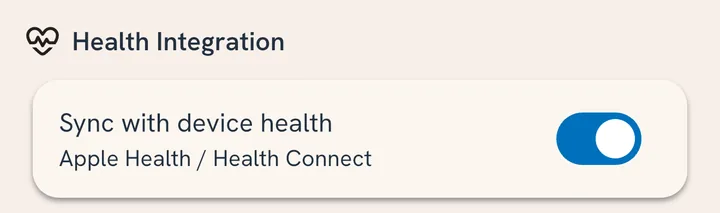
That is the whole setup. From then on it is automatic.