Set Up Your Pantry
Last updated
Why your pantry comes first
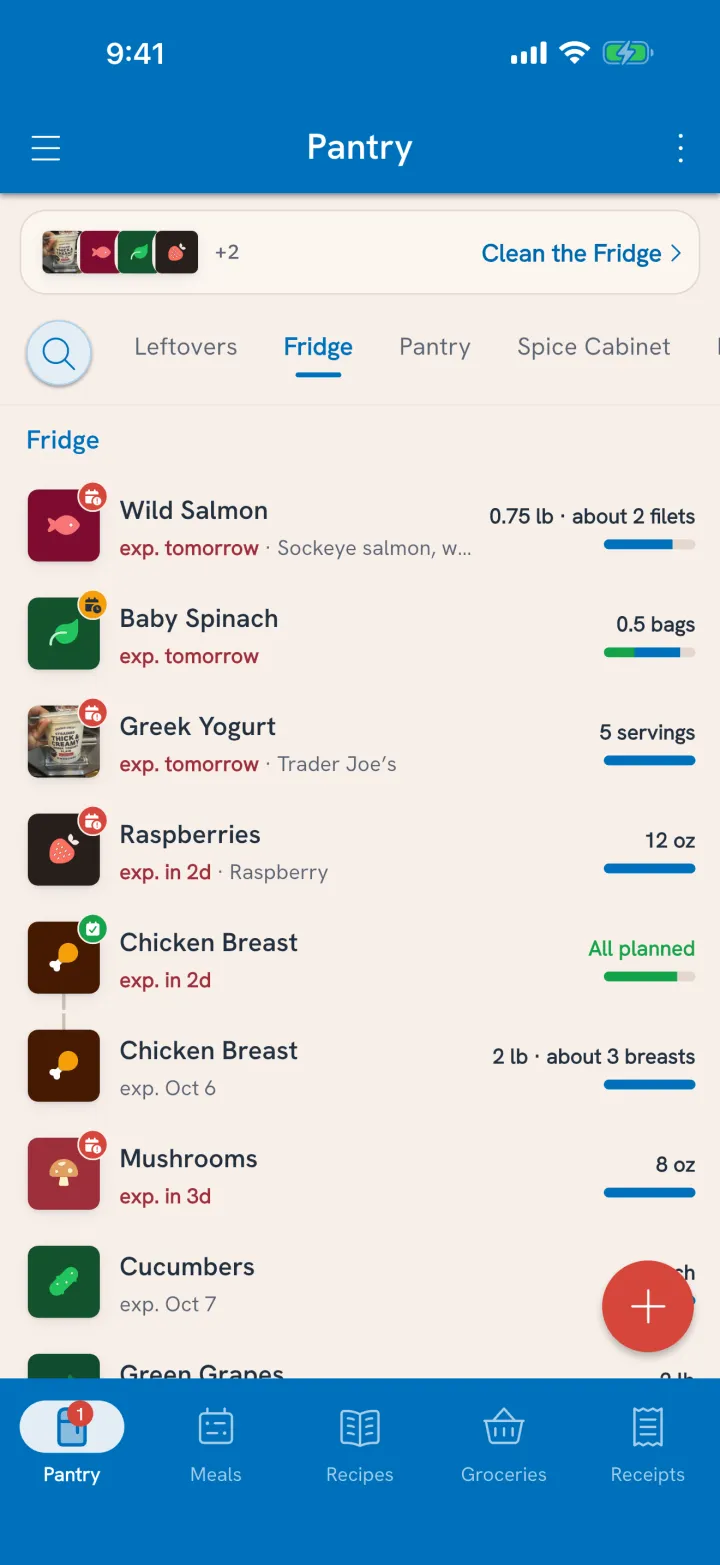
Everything Tuna does reads from your pantry: the expiration alerts, Clean the Fridge, the recipes you can make, the shared grocery list. Once it holds what's really in your kitchen, Tuna can tell you what needs eating before it goes bad.
You don't need every last spice. Start with the fridge, because that's where food goes bad fastest, then the freezer and the pantry shelves.
Load what you already have
The first afternoon is the big one. Scan Multiple Items keeps the camera open so you can work along a shelf without stopping.
- Open the Pantry tab and tap +.
- Choose Scan Multiple Items.
- Scan barcodes one after another. Each item opens a card with the amount, expiration date and shelf filled in. Tap Confirm and keep going.
- No barcode? Tap Search to find it by name in our database of over a million foods, or Say what you have to list several things at once: "Three bananas, a bunch of kale and the leftover chili."
- Tap Done when the shelf is empty.
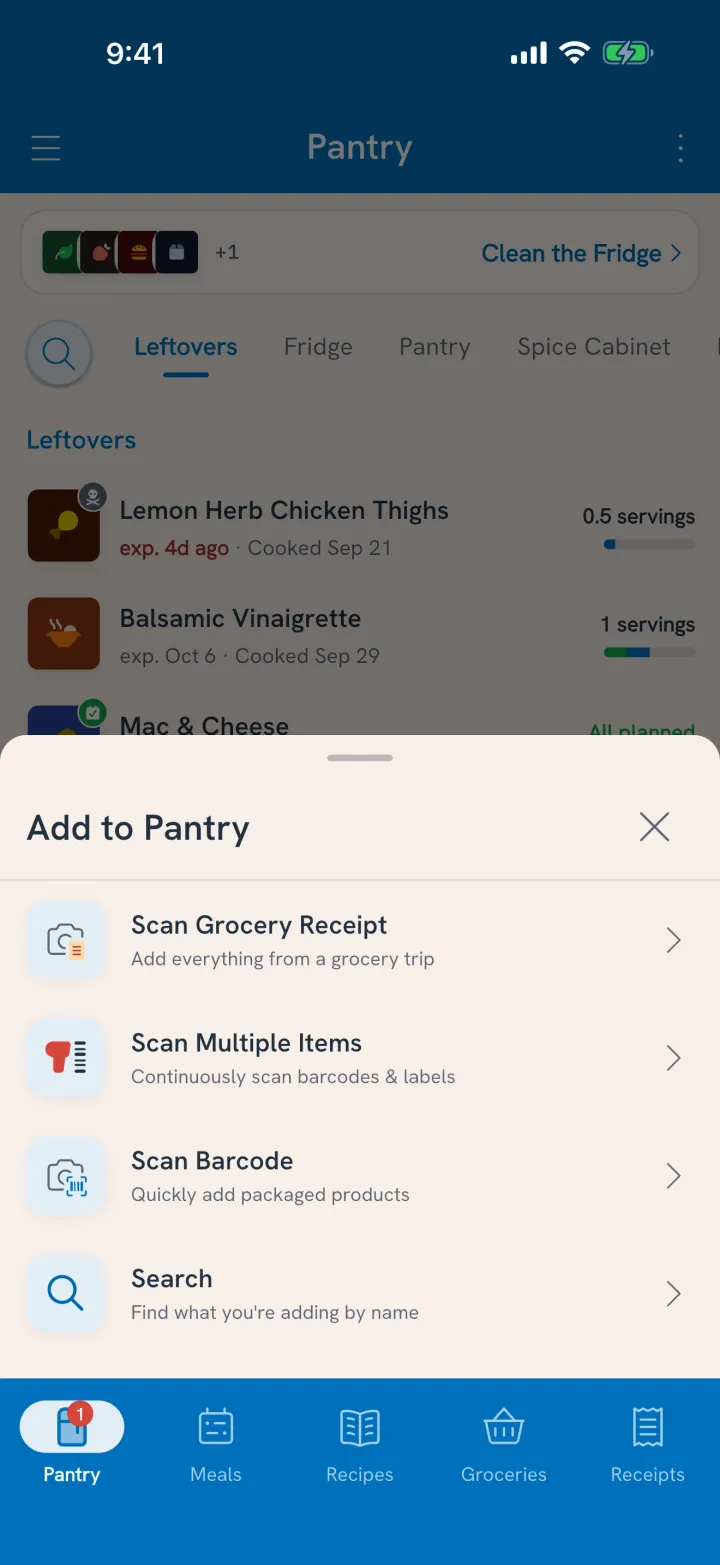
Scan the same can three times and you get three cans. Items save as you confirm them, so if you stop halfway, nothing is lost. The full walkthrough is in Load Your Pantry in One Go, and saying it out loud is in Say What You Have.
Add each new shop
After the first afternoon, groceries come in from the receipt. Choose Scan Grocery Receipt, photograph it when you get home, and Tuna adds the shop with the prices you paid. See Add Each Shop From the Receipt.
What Tuna fills in for you
Each item arrives with more than a name:
- Amount: how much you have, in units that make sense ("2 breasts," not "348 grams").
- Expiration: suggested from how long that food usually lasts where you keep it. Change it when the package says otherwise.
- Cost: from your receipt, or estimated from what your household has paid before.
- Section: fridge, freezer, pantry, or a section you made yourself. You can customize pantry sections to match your kitchen.
Turn on expiring food alerts
During setup, Tuna asks to send you alerts. Say yes. That's the 7 AM Food needs eating alert, and it's what turns a list of groceries into food that gets eaten in time. If you skipped it, turn on Expiring food alerts in Settings. See Get Expiring Food Alerts.
What to add first
- The fridge: produce, dairy, meat, leftovers. This is where waste happens.
- The freezer: so you know what's in there before you buy more.
- The pantry shelves: the staples you cook with most.
Once your pantry has a few shelves in it, read Your First Week With Tuna.