Your First Week With Tuna
Last updated
Day one: load what you have
Set aside an afternoon for the first pass. Open Scan Multiple Items and work through the fridge, then the freezer, then the pantry shelves. Scan barcodes, search or say what you have for anything without one, and confirm each card as it comes up. The steps are in Set Up Your Pantry.
When you're done, you'll have something you've probably never had before: a list of what's in your kitchen and when each thing expires.
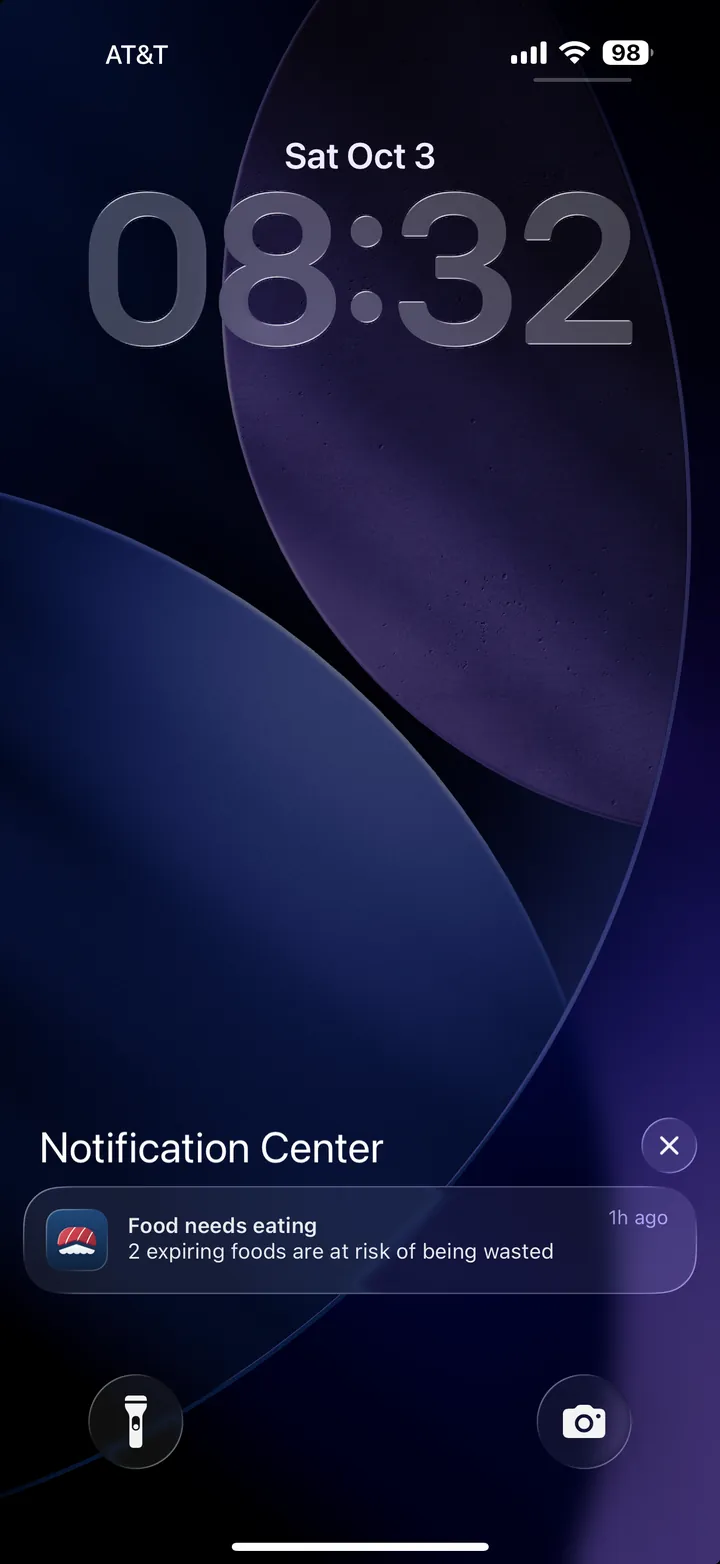
The first morning alert
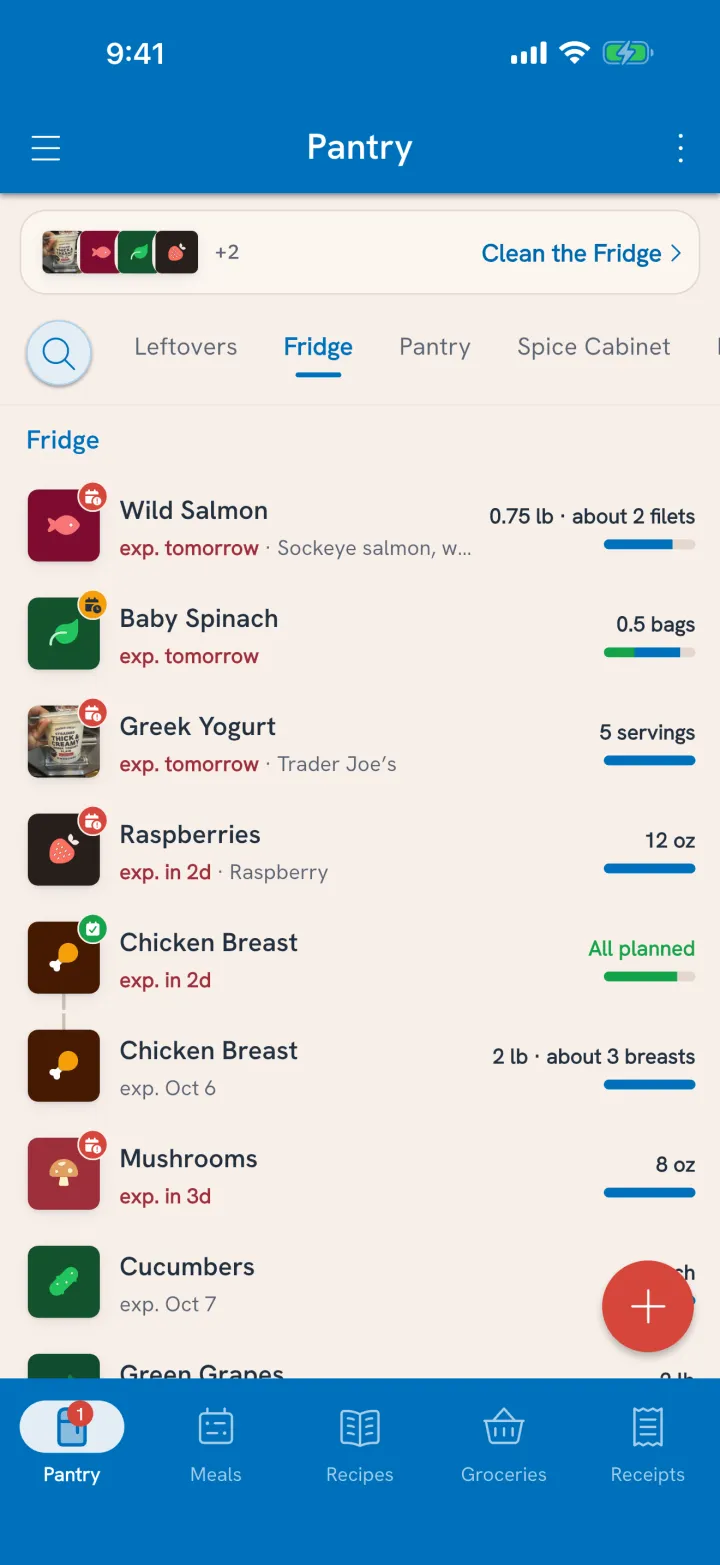
On a morning when something is expiring within the next three days, or went past its date in the last three, Tuna sends one alert at 7 AM: Food needs eating. Tap it and Clean the Fridge opens on those items.
For each one, decide what happens:
- Plan it for a meal or a cook later this week.
- Move it to the freezer.
- Mark it All gone if it's already finished or past saving, and say where it went.
That's the whole habit. A few taps on the mornings that need it, and food gets eaten in roughly the order it needs to be. The details are in Clean the Fridge.
Bring in a few recipes you love
Think of five dinners your household makes all the time and bring them in. Paste a link, or snap a photo of the cookbook page. Tuna connects each ingredient to what's in your pantry, and the Recipes tab can show you the ones you can make right now. See Import Your Favorite Recipes.
When you Plan an expiring item to cook, Tuna shows which of those recipes use it, plus meals you've made with it before.
Cook, and the pantry keeps up
Tap Cook on a recipe and the ingredients come out of the pantry. Whatever's left over goes back in as leftovers with its own date, so tomorrow's lunch shows up in the next alert instead of the back of the fridge. See Cook a Recipe.
After the week
By the end of the first week you'll have:
- A pantry that matches your kitchen, kept current by receipts and cooking
- A handful of decisions made before food went bad, instead of after
- A first honest look at what got eaten and what got tossed
Invite the house
Tuna works best when everyone who shops and cooks sees the same pantry. Invite them from the household screen. See Share One Pantry.
When you're ready for more
Logging meals, nutrition goals, spending and planning a few days ahead all build on the same pantry. They're in the Handbook under Track and plan meals, Meet your health goals and Save money, whenever you want them.