Keep Track of Leftovers
Last updated
Leftovers are the food most likely to go to waste. They go into a container, the container goes to the back of the fridge, and by the time anyone remembers it, it's too late. In Tuna, leftovers are pantry items like everything else, with a date and a place in the morning alert.
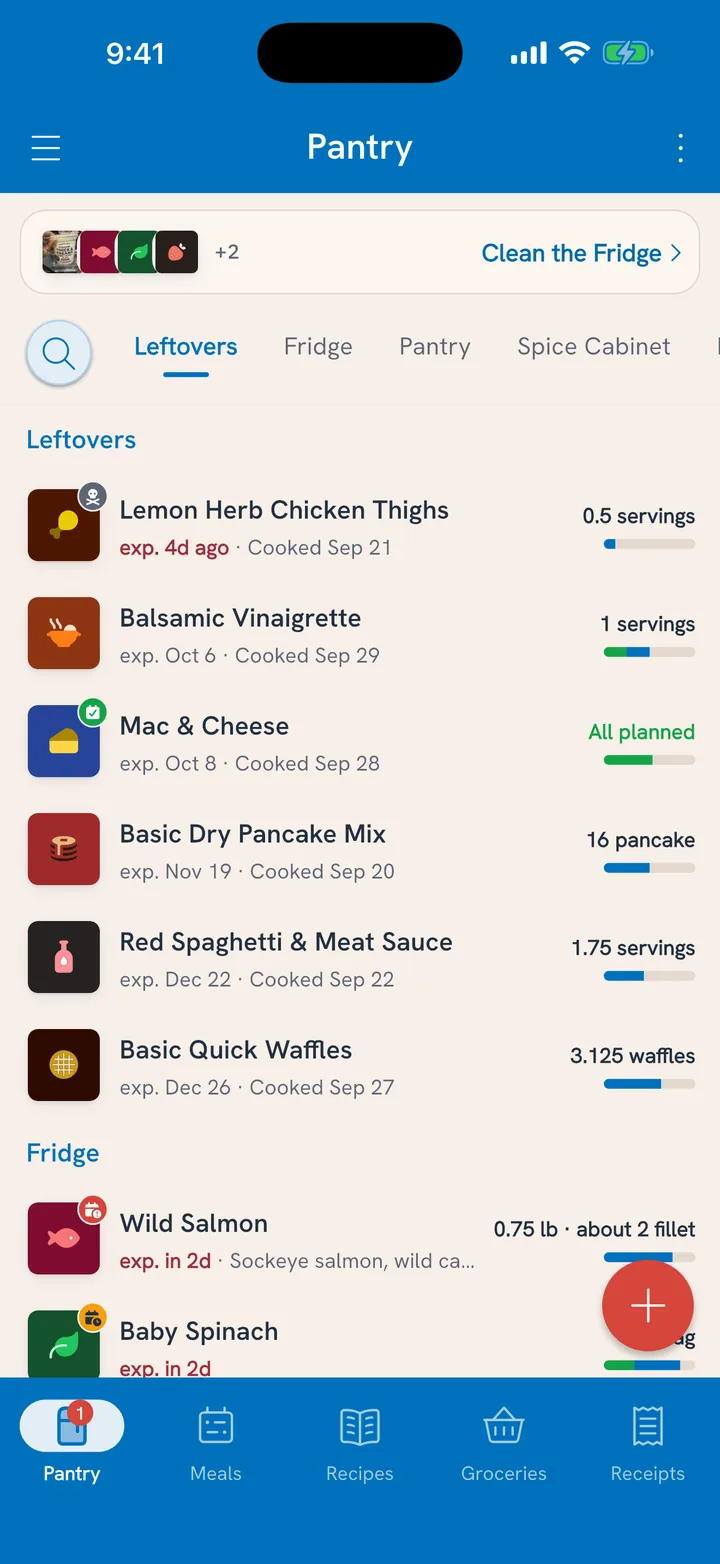
Leftovers from cooking
When you cook a recipe in Tuna, the last step asks what's left:
- Under Leftovers, set how much is left over. If the recipe made more or less than it says, fix the total there too.
- Check the Expires date. Leftovers get a week by default. Change it if you know better.
- Save the cook.
The leftovers land in the pantry under Leftovers, with nutrition and cost carried over from the ingredients that went in. See Cook It for the rest of the cook screen.
Leftovers from anywhere else
Takeout you brought home, a neighbor's casserole, the tray from the party: none of these come from your recipes, but they can go bad just the same. Add them with Add Food That Isn't in the Catalog. They also land under Leftovers with a week's date.
Eat them
Leftovers work like any other pantry item:
- Plan a serving for someone's lunch tomorrow.
- Log a serving on the Meals tab when someone eats it.
- Say it out loud: "We finished the chili for lunch." See Track Meals With Voice Controls.
When the container is empty, mark it All gone and say whether it was eaten, tossed, or a bit of both. See Mark Food All Gone.
They're in the alert
Because leftovers have a date, they're part of the 7 AM Food needs eating alert. The chili shows up while it's still lunch, not after it's become a science project.