Plan Your Meals
Last updated
Once your pantry is current, planning a few days ahead is the natural next step. It's where wasting less turns into buying less: when you know who'll eat what and when, you only buy what you need. Tuna plans from what's in the kitchen, what needs using first, and what your household actually repeats.
Plan who's eating what
On the Meals tab, every breakfast, lunch and dinner shows its plan, or No plan yet.
- Tap the meal's heading to plan it.
- Under In the kitchen, say who's cooking.
- Under Who's eating what, give each person a plan: At Home, Eating Out, Given (someone else is feeding them), or Skip.
- Tap Save.
Dinner the same way every weeknight? Tap Repeat… and pick the days. A repeat badge on the plan opens the same sheet, so you can change one meal or every one after it.
Give leftovers a job
The big pot of chili from Sunday is the main reason to plan ahead. Tap it in the pantry, tap Plan, then Eat:
- Pick the meals it should cover, across as many days as it keeps.
- For each meal, tap who's eating it and how much.
- Tap Plan 3 meals (the button counts them).
The footer keeps count as you go: how much there is, how much is planned, and how much is still available. You can't plan more than is there, so the plan is one the kitchen can keep.
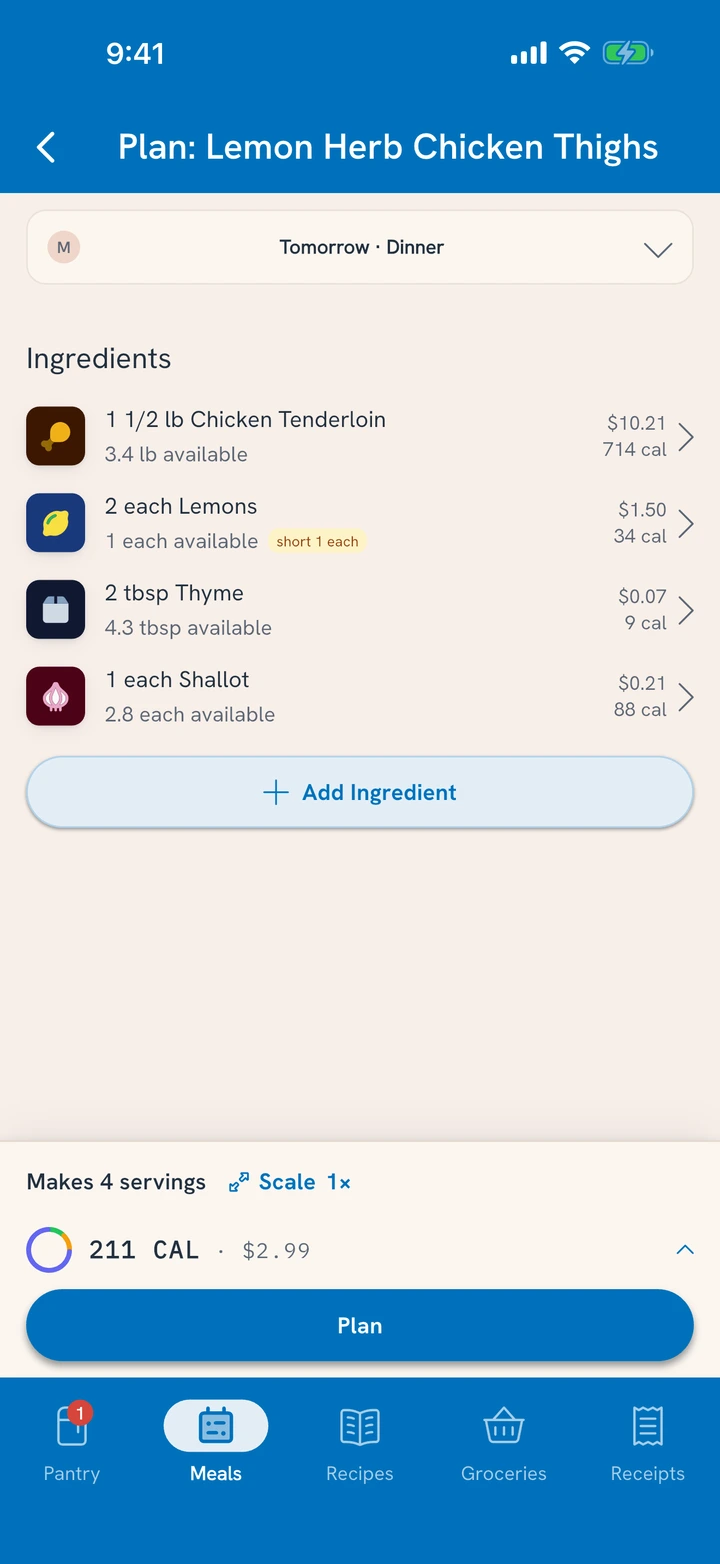
To plan the foods for one meal instead, tap Plan food on an At Home plan.
Planned food is set aside
Once Tuesday's lunch counts on the chili, nothing else takes it by accident. If you track the chili at another meal, or a recipe would use it, Tuna says which meal it's planned for and offers Change that plan, so you decide.
Let expiration drive the order
The best planning signal is what's running out of time:
- The morning alert and Clean the Fridge show what's expiring in the next few days.
- On the Recipes tab, the Use up soon filter shows recipes that use it.
- Plan the first dinners from those, and the spinach gets eaten instead of mourned.
Anything missing joins the list
Plan something you don't fully have and the gap can go to the grocery list: a planned meal or cook that's short offers Add the rest to the grocery list, and stays planned until the food comes home.
When the meal comes
Under the meal on the Meals tab, Planned for this meal lists the food. Tap Had it and the plan becomes fact; the food comes out of the pantry. Plans changed? Tap Change and track what really happened.
Missed a few days? Tap Review past meals at the top of the Meals tab. Every meal still waiting is there, with Had it and Change, and so is any cook you planned: "Did you make Chili for Sun dinner?" We made it opens the cook to confirm it; Didn't lets go of the food it set aside. A plan nobody answers lapses a week after its date.
Related
- Using one item before it goes bad: Use Food Before It Goes Bad.
- Tracking what was actually eaten: Track Your Meals.
- When food leaves early: Mark Food All Gone.